Choose privately
Select the apps or categories you want to shield through Apple’s system interface on your own iPhone.
Personal attention protection
Shield selected apps on your own iPhone when you choose, using Apple Screen Time controls designed to keep the selection private.
5.0 from 15 Canadian ratingsFreeNo ads
01 — Guard the doorway
Willpower is not the only tool you have. Sometimes the right boundary is more useful than one more promise to scroll less.
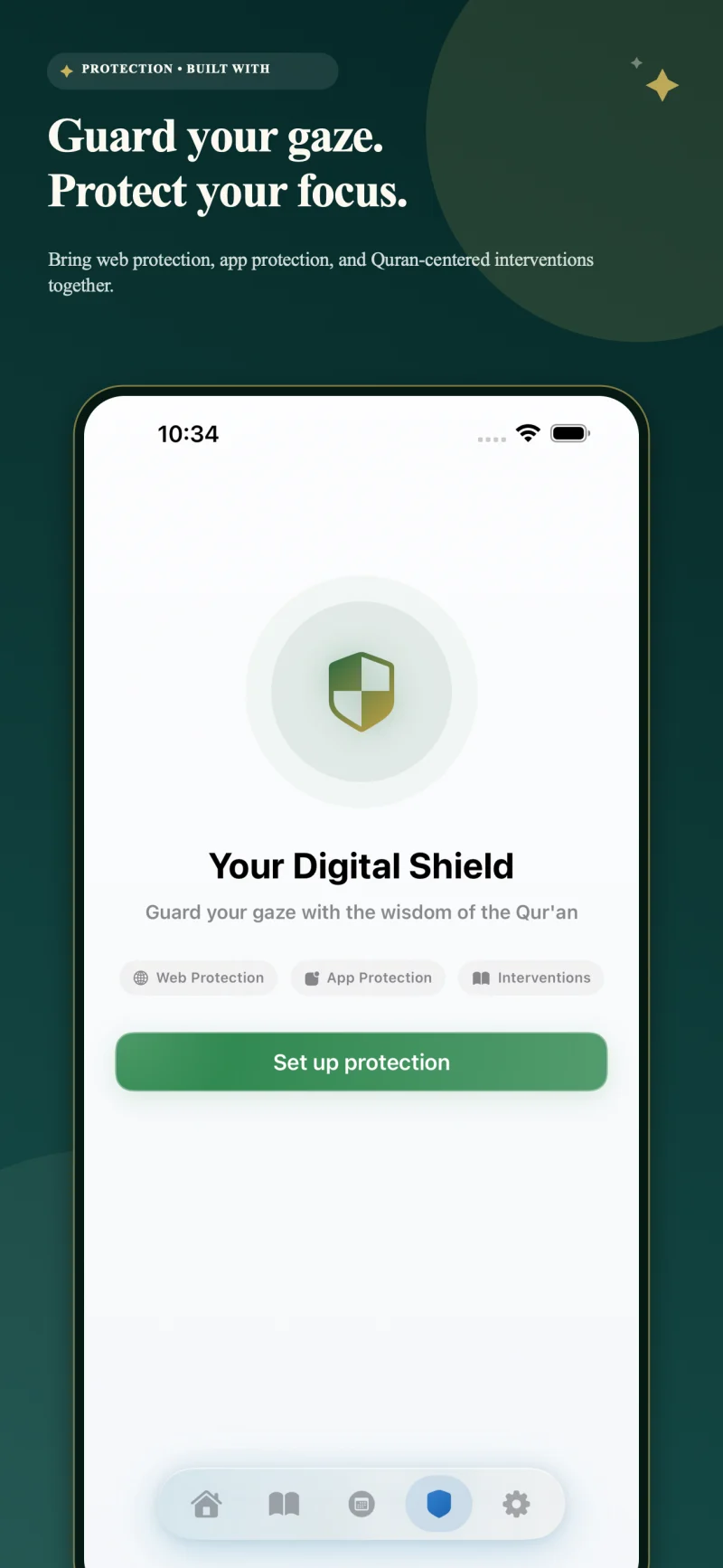
Personal Protection lets you select distracting apps on your own device and shield them through Apple’s Screen Time framework. Use that boundary when you want space for salah, Quran, work, study, sleep, or simply a quieter mind.
Apple’s privacy-preserving controls are designed so the app works with opaque selections rather than building a readable inventory of the apps you chose. You stay responsible for when protection is active and which apps belong behind it.
Select the apps or categories you want to shield through Apple’s system interface on your own iPhone.
Put deliberate friction between an impulse and the apps most likely to consume the time you meant to protect.
Use protection as a practical support for prayer, Quran, focused work, study, rest, or family presence.
02 — Clear scope
The current release is a personal focus tool. It does not offer family monitoring, child-device management, remote supervision, or a dashboard showing another person’s activity.
Personal · Private by design · Included free