
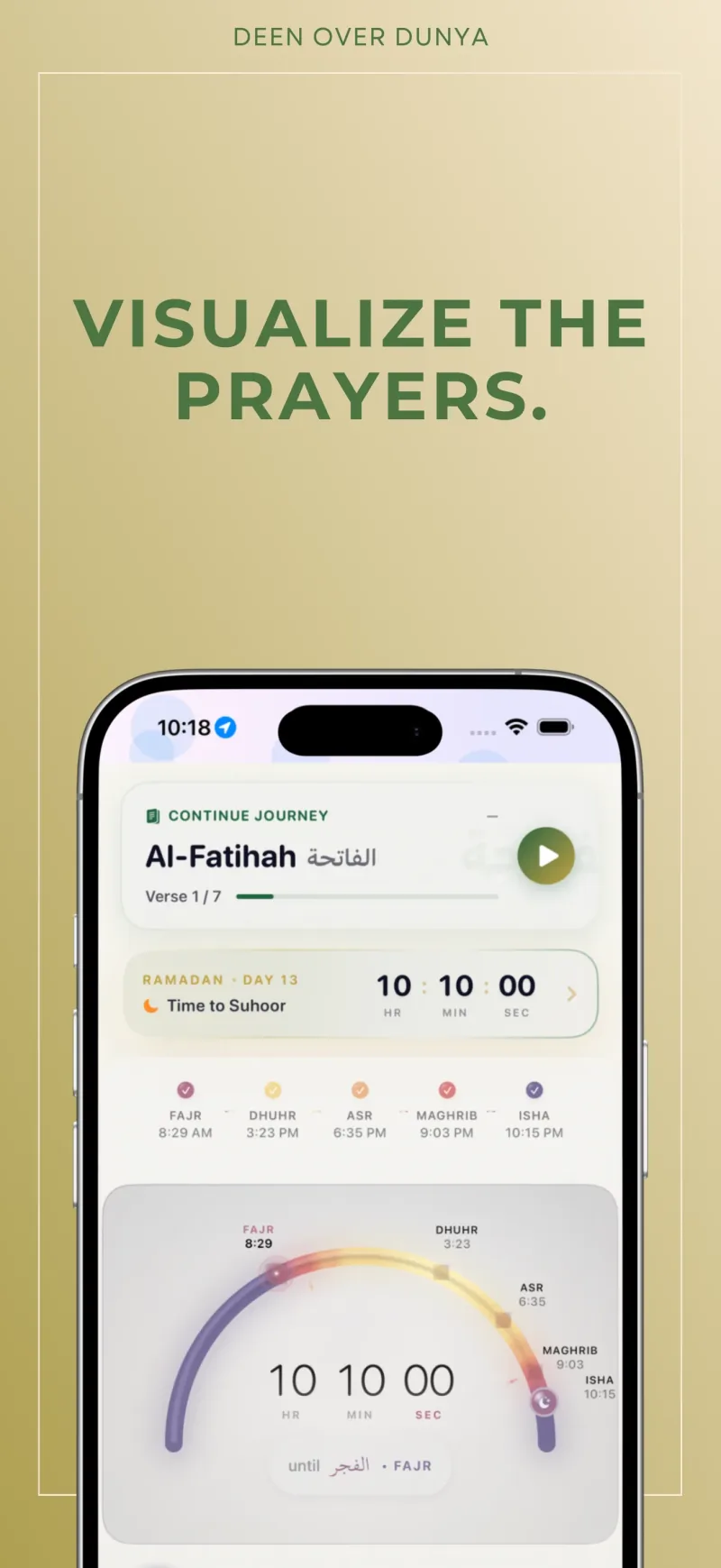
Why do two prayer apps show different times?
Prayer times can differ because apps use different locations, calculation methods, Asr settings, or manual adjustments. A mosque timetable may also list congregation times separately from the beginning of a prayer window. Compare the same date, location, and type of time before changing your settings.
A practical setup check
- Confirm your location and time zone. Check that the location used by the app matches where you are praying, especially after travel or a clock change.
- Match the calculation method. Deen Over Dunya's public release supports five calculation methods. Ask your local mosque which method or published timetable your community follows.
- Check the Asr setting. The app supports Shafi‘i and Hanafi Asr options. Use the setting appropriate to your practice and local guidance.
- Review manual offsets. The app supports per-prayer adjustments. Old offsets may explain a mismatch even when the method and location are correct.
- Compare more than one prayer. Look at Fajr, Asr, and Isha as well as the rest of the day. Record the difference before making repeated changes.
Prayer start, adhan, and iqamah
A calculated prayer start time and a mosque's scheduled congregational prayer time serve different purposes. For example, a timetable can show a prayer window beginning before the congregation gathers. An app reminder does not confirm when your mosque will hold iqamah or Jumu‘ah. Check the mosque's own current schedule.
If the time is right but the reminder is missing
First identify what happened: no alert, an alert without sound, a delayed alert, or an alert on another device. If the displayed prayer time itself is wrong, return to the setup check above before testing reminders.
| What you notice | What to check next |
|---|---|
| No visible alert | In iPhone Settings → Notifications, select the app. Check its permission and where alerts may appear. Apple’s notification guide explains these choices. |
| An alert appears without sound | Check silent mode and the app’s Sounds option if available. If your app offers its own reminder settings, review those separately. |
| Alerts arrive later than expected | Review Scheduled Summary and the active Focus. Apple’s Focus guide explains how to choose allowed apps. |
| You use a paired Apple Watch | Look on the watch too. Apple normally routes notifications to one device according to its state. See Apple’s routing guidance. This does not imply that the prayer app has a separate watch app. |
Labels and available controls vary by iOS version. Change one relevant setting, then observe the next reminder under your usual device conditions. Record the displayed time, whether an alert appeared, and whether it sounded. One successful observation does not guarantee future delivery.
If the problem continues, use support with your app and iOS versions, the affected prayer, and a short description of what you observed. Leave out passwords and unrelated notification content.
Prayer reminder observation log
Use this optional blank log to describe a device problem. It does not establish prayer times or guarantee notification delivery. Keep it on your device unless you choose to share relevant details with support.
| Check | Your observation |
|---|---|
| App version and iOS version | |
| Prayer and date tested | |
| Time displayed in the app | |
| Phone locked or unlocked | |
| Active Focus, if any | |
| Paired watch in use | |
| One setting changed | |
| Alert appeared on phone, watch, or neither | |
| Sound heard | |
| Expected versus observed arrival | |
| Next question for support |
Record only what you observed. Avoid including passwords, precise location, account identifiers, or screenshots of unrelated private notifications.
When travelling
Recheck location, local time, and settings on arrival. Your home mosque's offsets may not suit your destination. At high latitudes or in unusual conditions, follow trusted local guidance for the timetable your community uses. This guide explains app configuration; it does not choose a religious ruling for you.
Once the times are set, use prayer widgets and salah tracking to keep the next prayer visible. Then place your tasks around those prayer windows.
Product information checked against the public release: App Store · Official app facts.