
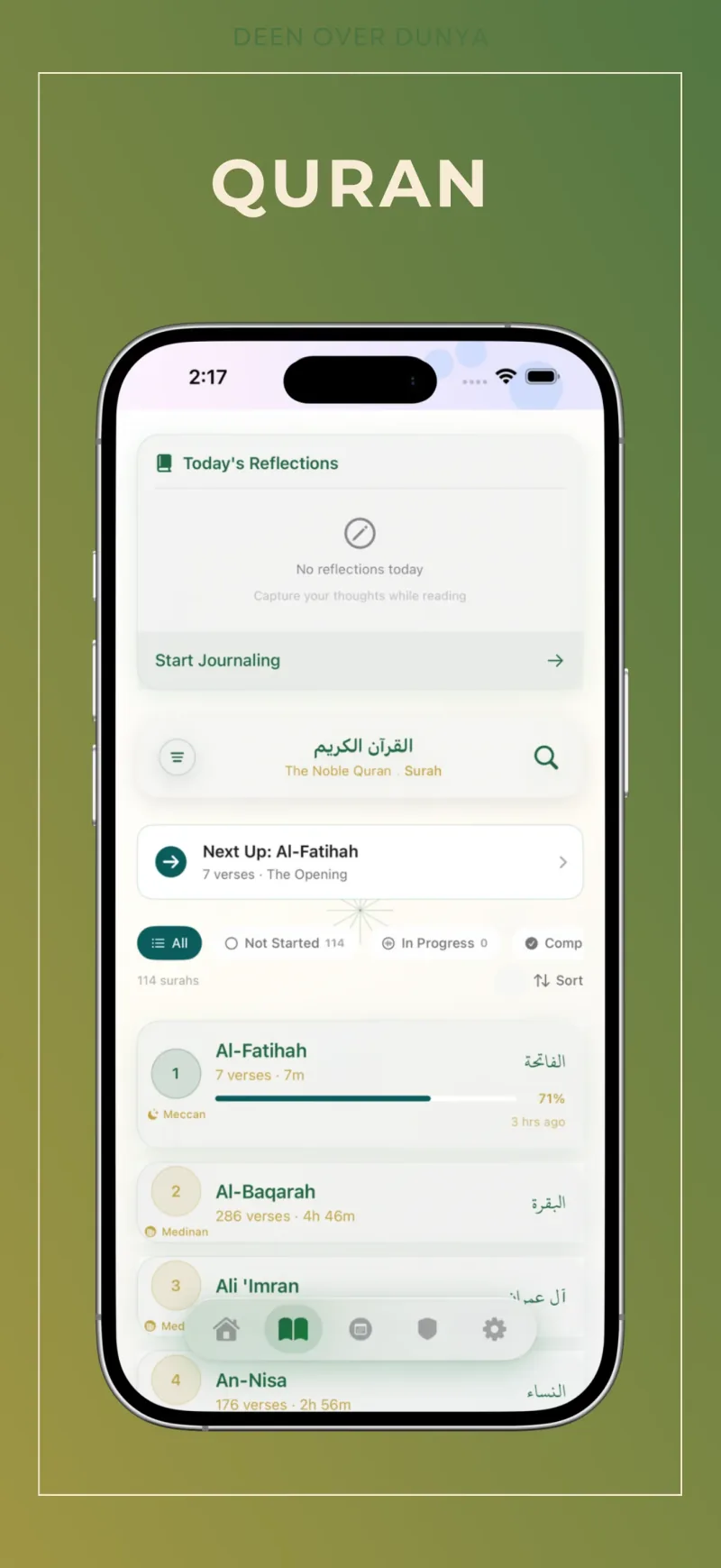
Can I read Quran offline on iPhone?
Deen Over Dunya supports core Quran reading offline after setup. Audio streaming and account sync need an internet connection. Before travelling, open the exact surahs, translations, and recitations you want, then test them with your connection switched off. Available downloads can vary by app version and selected content.
Prepare before you leave
- Open the app while connected. Complete setup and open the Quran reader. Choose the surah or Mushaf page you want to return to.
- Check the reading experience you use. Open your chosen translation, transliteration, or tafsir. Seeing one page is not proof that every optional resource is available offline.
- Check audio separately. Play the reciter and surah you intend to use. Streaming a passage does not establish that the whole recitation has been saved. Use download controls where your installed release provides them.
- Try airplane mode. Turn off Wi-Fi as well, close and reopen the app, and revisit the same reading and listening views.
- Resolve gaps before departure. Reconnect to finish any supported downloads. Keep enough device storage available and repeat the offline check.
Reading and listening are different checks
Quran text and recitation audio are different resources. A working reader does not mean that audio is downloaded. Likewise, a saved recitation does not establish that every tafsir or translation is local. Testing your own combination is more useful than relying on a broad “offline” label.
For a simple journey, choose a small reading section and one reciter first. If you want a complete reading plan, use the Quran reading-plan calculator to divide the remaining pages across the days you have.
If something does not open offline
Check whether the feature normally needs a connection, whether setup or a download completed, and whether you changed the selected reciter or resource. Reconnect and retry the specific content. If it still fails, contact support with the app version, device model, and affected surah or resource. Never send your password.
Keep the habit small enough to repeat
Start with a reading section you can finish comfortably. Resume at the last page, use a bookmark for a passage to revisit, and save reflections alongside your reading. Deen Over Dunya brings the 604-page Mushaf, recitation, and study tools into the Quran experience; internet-dependent services resume when you reconnect.
Product information checked against the public release: App Store · Official app facts.